Sold hours per item
Every pricebook line carries its book time, per unit. A job's estimate is the sum of its lines times their quantities, plus setup and cleanup.
Pricebook & sold hours
Flat-rate book time on every item, adjusted for who is actually going, and measured against what really happened — so the schedule gets more accurate the longer you use it.
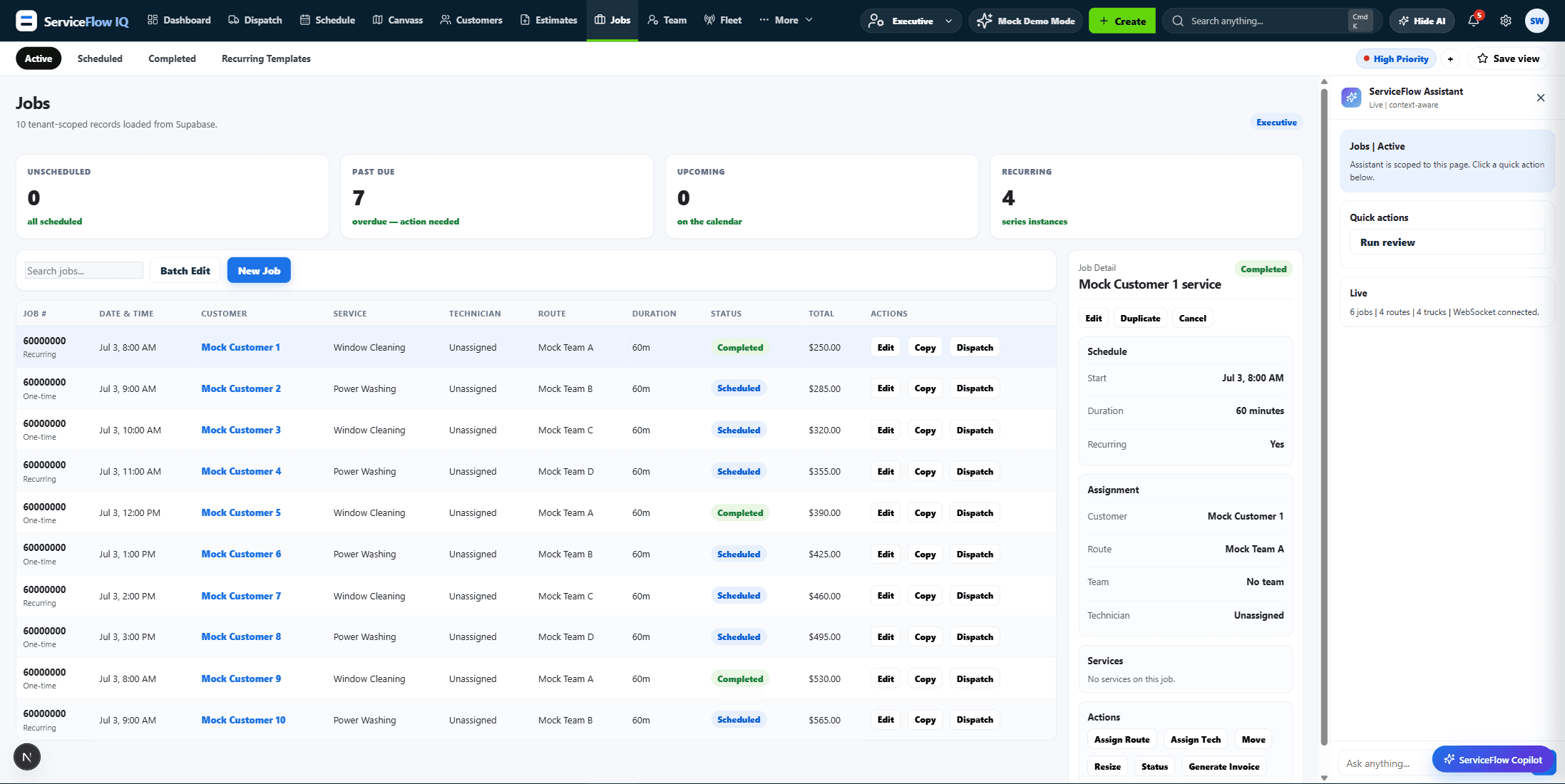
Every pricebook line carries its book time, per unit. A job's estimate is the sum of its lines times their quantities, plus setup and cleanup.
Each technician has a speed factor per service category — 1.0 is book par, below is faster. Assign someone and the duration recomputes.
Real start and finish times are stamped against the estimate, and completion-efficiency reporting proposes a corrected factor when someone consistently beats or misses par.
That is exactly what the factors model. They are stored per service category, not per person overall, so someone can be quick on tune-ups and average on installs.
No. Smart Start generates a first pricebook from your trade mix and truck count, with sold-hour estimates already attached, and you correct it from there.
Twenty minutes, screen-shared, your trade's pricebook already loaded.