Canvassing
Draw territories by hand on the map, build door-knocking routes, and pull real property data — build year, type, value — to qualify a street before anyone walks it.
ServiceFlow IQ is AI-native field service software for residential trade contractors. Dispatch, pricebook, estimates, invoicing, canvassing and the crew app in one workspace — with unlimited users at every tier and no implementation fee.
Book a 20-minute walkthrough, or open a workspace and look around yourself.
Works with the tools you already run
What you get
Thirteen modules, one price, and a setup that finishes the day you start — not the quarter you start.
Dispatch
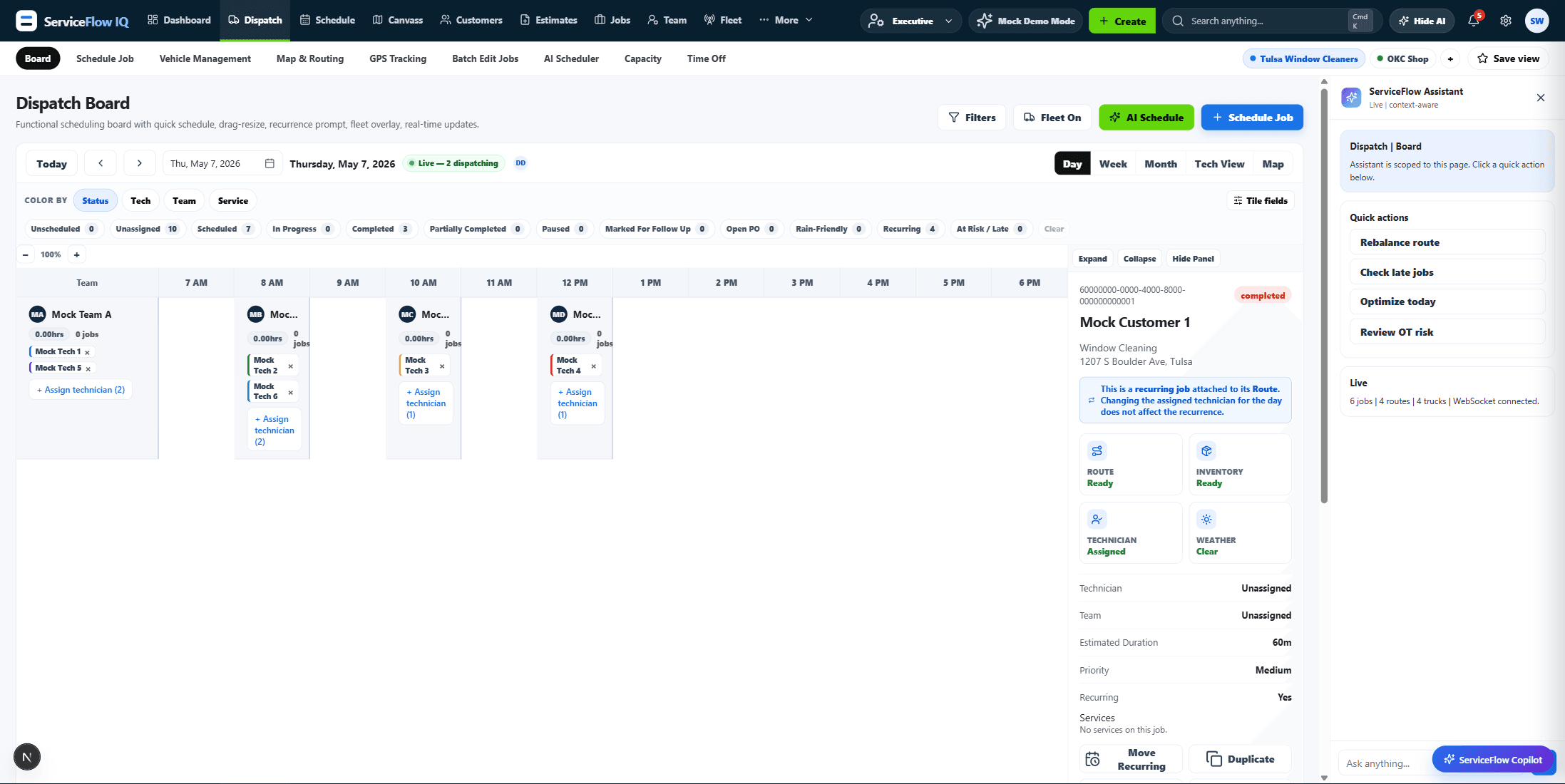
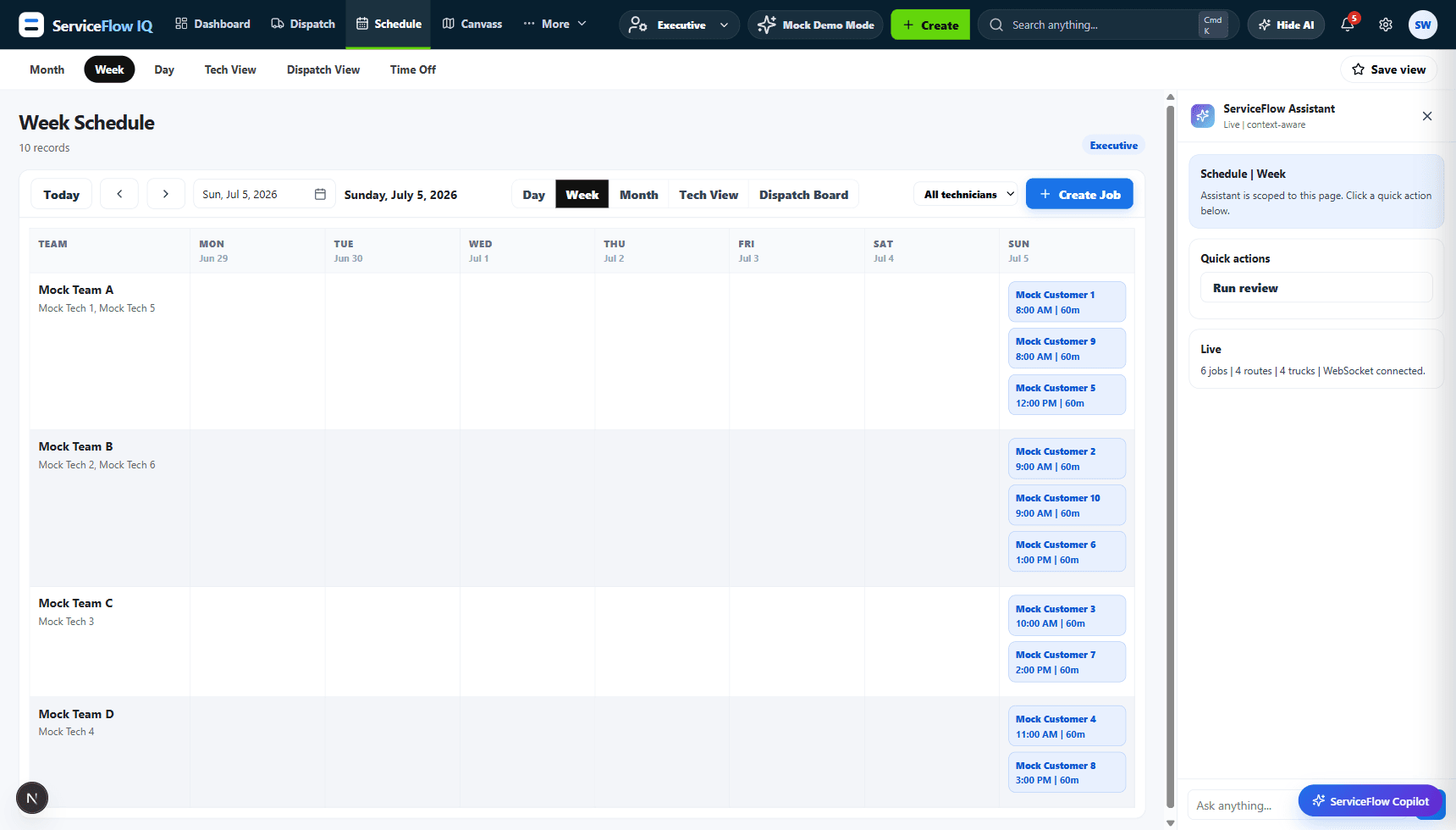
Drag jobs across a live board by technician or team, watch trucks move on the map, and let the AI scheduler score which technician actually fits the job. Weather-aware, so rain-friendly work moves itself.
Pricebook & sold hours
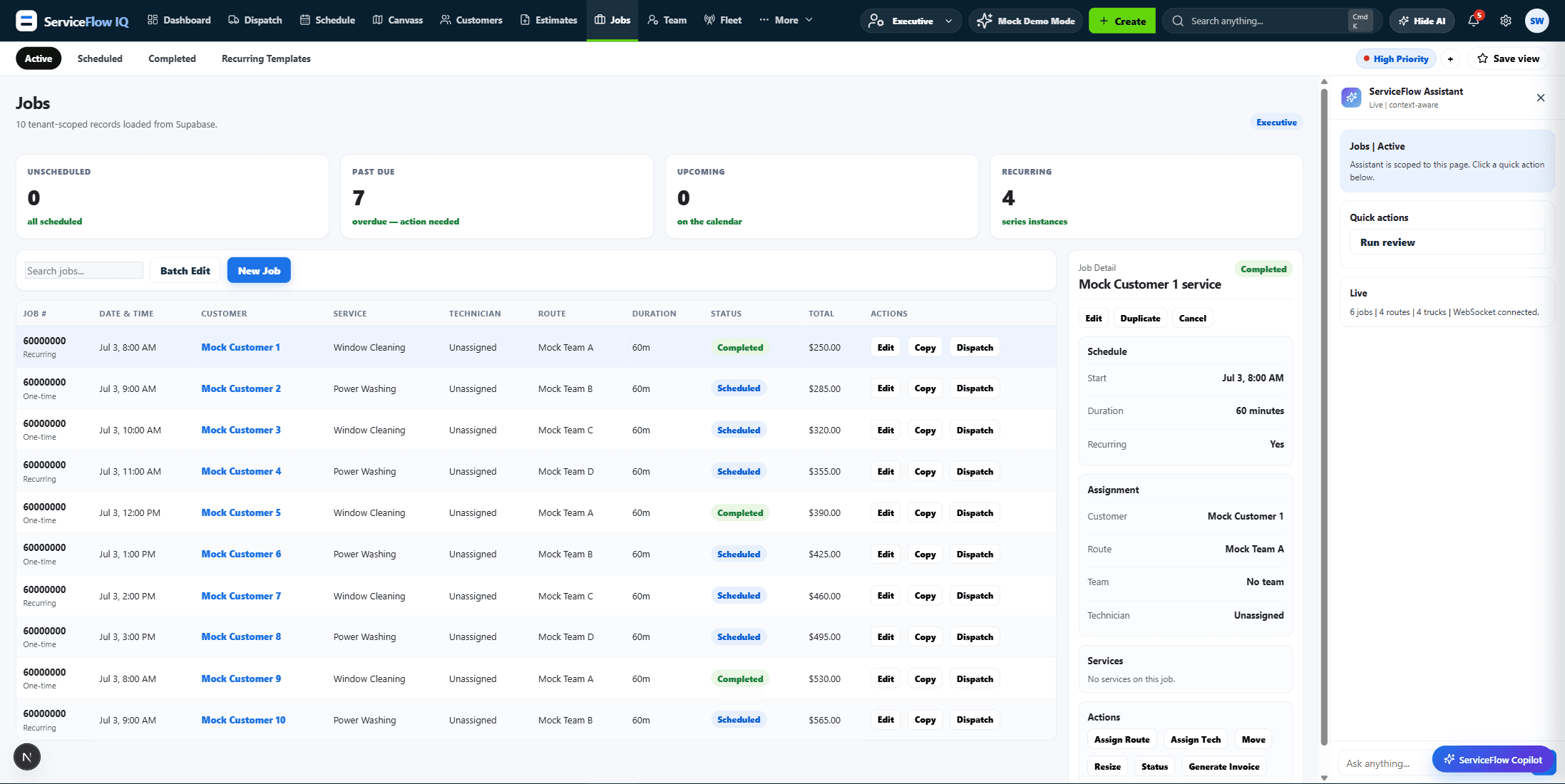
Every pricebook item carries sold hours. A job's duration is the sum of its lines, multiplied by the assigned technician's pace for that category — so the estimate a dispatcher sees reflects who is actually going.
Estimates to cash
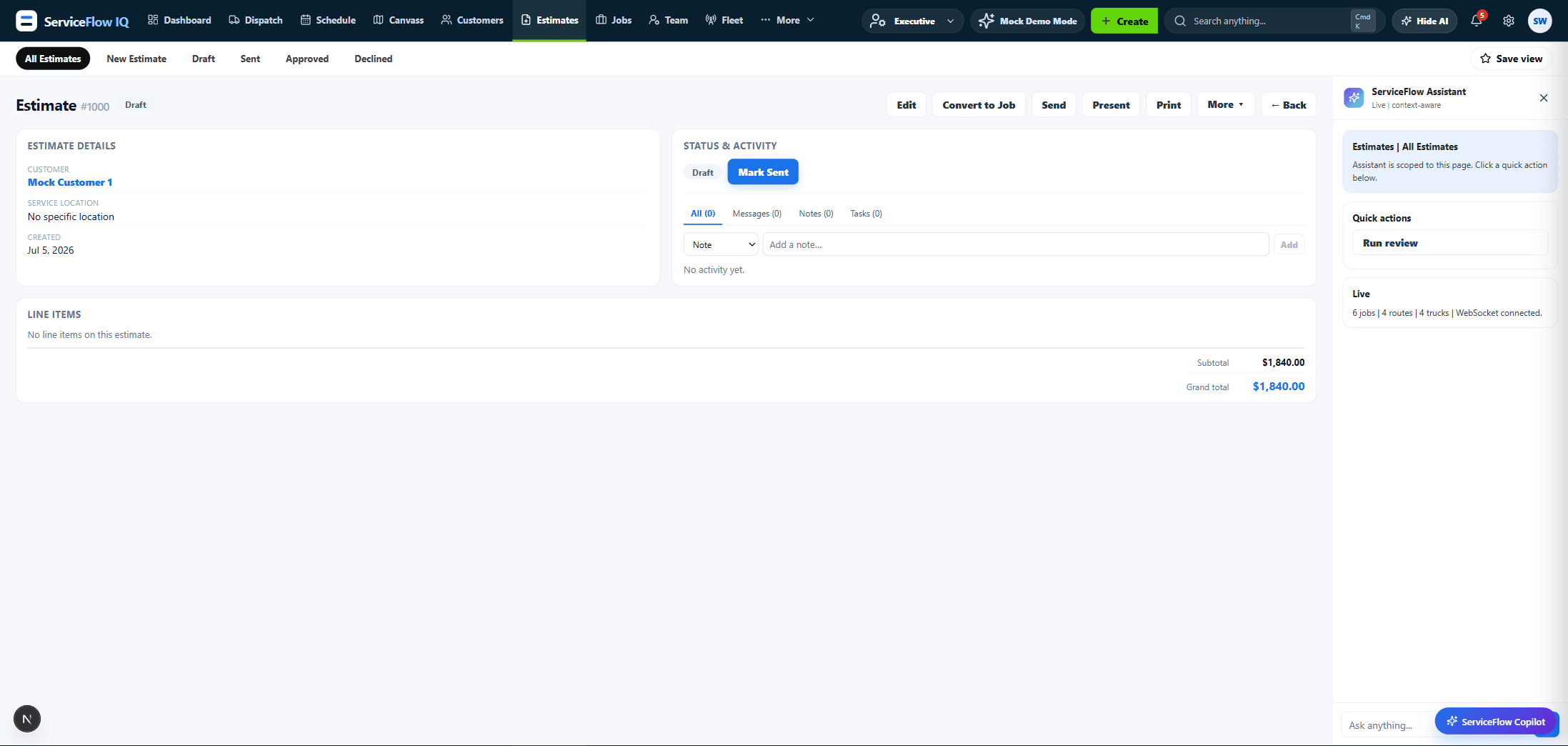
Build Good/Better/Best options, send them to a customer portal where they can approve, convert straight to a job, and take payment by card or ACH.
Reporting
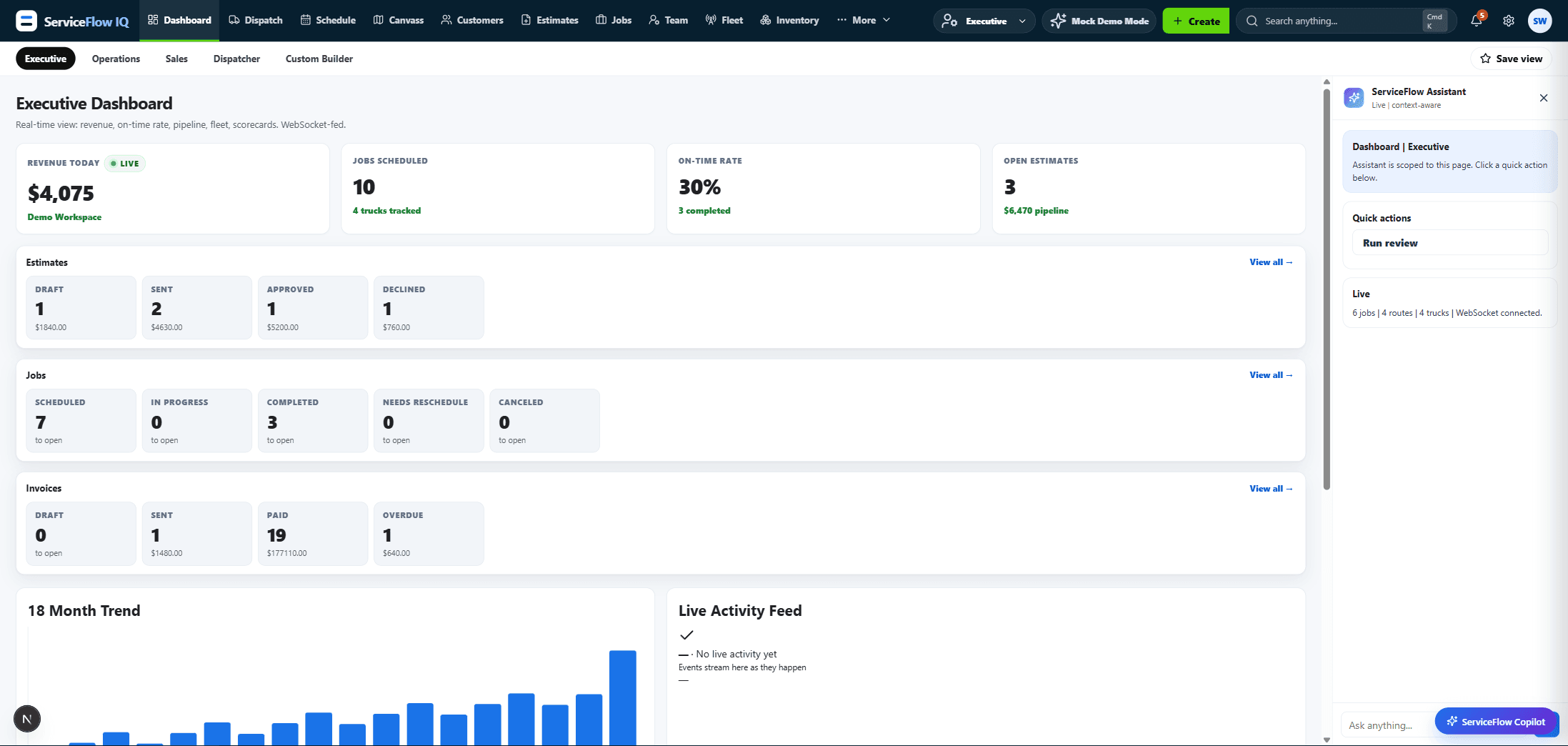
Revenue, on-time rate, pipeline and fleet on one live dashboard, plus sixteen built-in reports and a builder for the ones we did not think of. Scheduled reports arrive by email.
And the rest of it
Everything below is included in the tier. There is no add-on catalogue.
Draw territories by hand on the map, build door-knocking routes, and pull real property data — build year, type, value — to qualify a street before anyone walks it.
Vehicles, assignments, maintenance schedules, GPS devices, running costs and documents. Trucks show up on the same map as the jobs.
Multi-location stock with truck loadouts and reorder points, so the part that finishes the job is on the van that gets there.
Recurring service agreements with deferred-revenue accounting, renewal tracking and automatic visit scheduling.
A capacity-aware booking widget you embed on your own site, so a customer picks a slot you can actually staff.
Multi-step follow-up sequences across email, SMS, direct mail and tasks — unsold estimates, dormant customers, expiring memberships.
Rate lookup by service location with fee and discount rules, and a sales tax summary report that reconciles.
A REST API over customers, jobs, estimates and invoices, keys you mint yourself, and HMAC-signed webhooks.
Switching
Most of our conversations start here. Both paths are supported, and neither requires you to stop taking calls.
You are past fifteen employees, the per-user line keeps climbing, and reporting stops exactly where your questions start. Sold hours are not a concept. Memberships live in a spreadsheet.
The depth is real and so is the overhead — the per-technician seat cost, the implementation project, the contract length, and the add-on modules that keep arriving with their own line items.
Because charging per seat punishes the thing you are trying to do, which is grow. Bring the whole company — front office, dispatchers, technicians, salespeople, the owner — for one tier price. It is not a promotion; there is no seat metering anywhere in the product.
There is no implementation fee and no professional-services engagement. An AI Smart Start wizard seeds your service categories, customer and lead statuses, and a pricebook with sold-hour estimates from your trade mix and truck count, so a new workspace is usable the same day.
Yes, at every tier. Drop an Anthropic key into Settings and AI features bill against your account instead of ours. If you would rather not manage keys, managed AI is included.
An installable PWA. Technicians add it to the home screen on iOS or Android and it runs standalone with its own icon — no app store, no install friction, and always the current version. Offline write queuing and native store builds are on the roadmap, not shipped.
Yes. There is a ServiceTitan CSV migrator for customers and pricebook items, and a general CSV importer in Settings for everything else. On the Scale tier the migration is white-glove.
A public REST API with keys you mint yourself from the developer portal, plus HMAC-signed webhooks. Rate limits are 600 GET and 120 POST per minute per key.
Book a walkthrough and we will show you your own numbers in it, or open a workspace and start clicking.